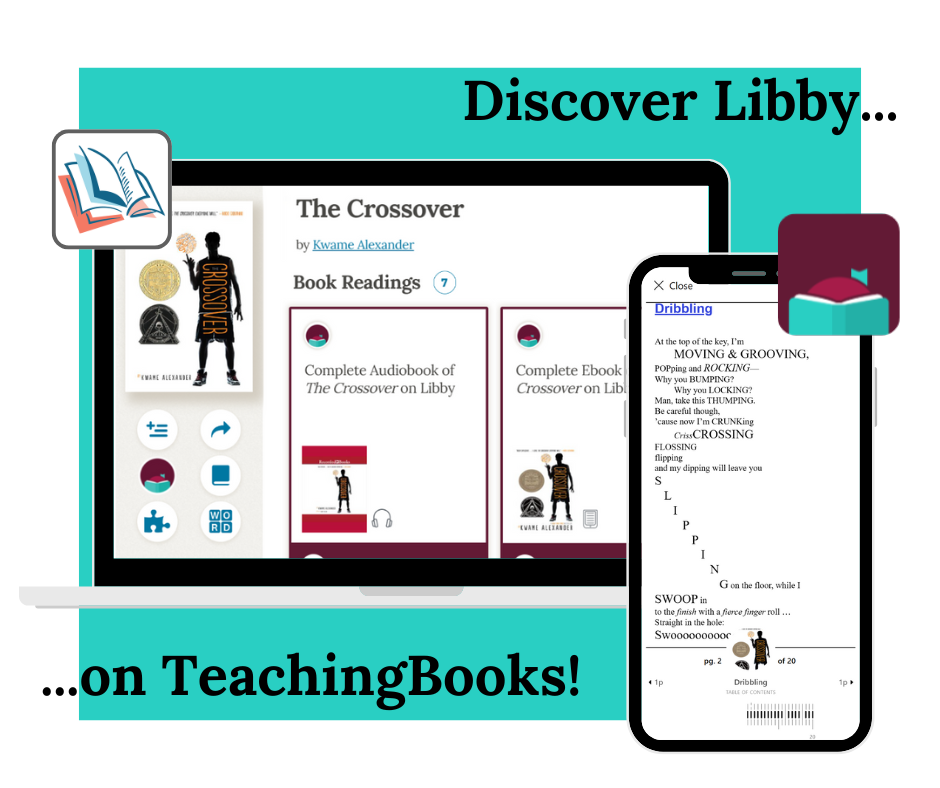
Libby Discovery on TeachingBooks for Libraries
For any institution that has both TeachingBooks and Libby, the Libby Discovery feature provides single-click access from TeachingBooks to any digital titles in your Libby collections.
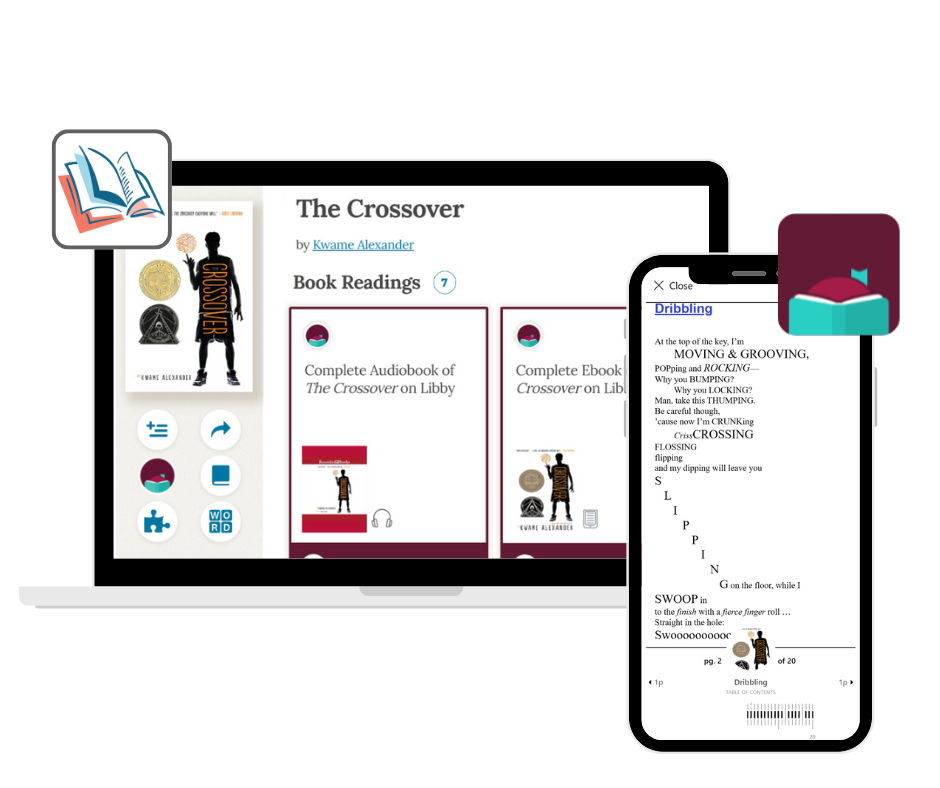
Learn how it works
The Libby Discovery feature on TeachingBooks enables patrons and staff to seamlessly access the digital books in your Libby collections directly from TeachingBooks.
To use this integration, simply:
- Sign in to TeachingBooks for Libraries and confirm you are logged in by seeing your library name in the main box on the home page.
- Browse or search TeachingBooks and look for a Libby icon, which designates a title owned in your Libby collection(s).
-
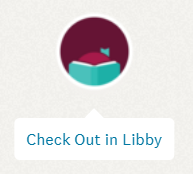 Click the Libby icon to Check Out in Libby. This opens the Book Readings section on TeachingBooks for the selected title with details about the digital book that your library has made available for you. Follow the link to borrow or place a hold.
Promote Libby Discovery for staff and patrons
Copy and paste the text below to easily share this feature with your staff and patrons!
We have a new way to discover titles in our Libby collection(s) from TeachingBooks. As you search or browse TeachingBooks for Libraries when signed in, a Libby logo will appear alongside titles that we offer in our collections. Clicking the Libby logo lets patrons borrow or place a hold.
Learn more at library.TeachingBooks.net/LibbyDiscovery
Email this message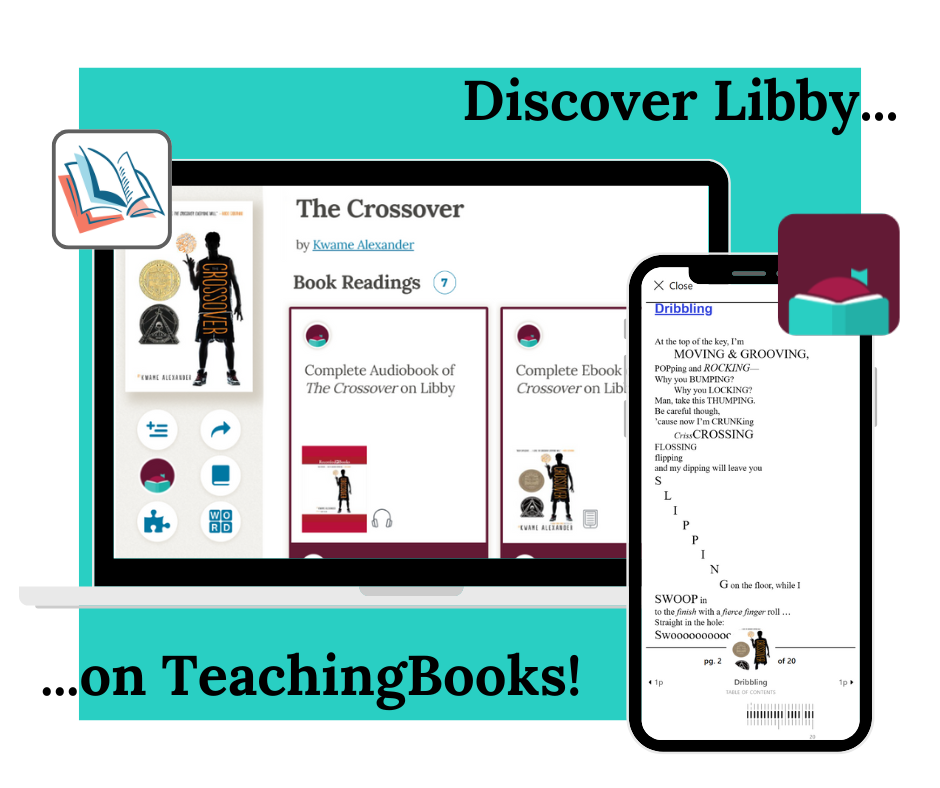
And don't forget to share your TeachingBooks access!
Frequently Asked Questions
- What Libby titles are discoverable in TeachingBooks for Libraries? How does this work with advantage accounts?
- What are the exceptions when the Libby Discovery feature will not work?
- How will I know if a Libby book is available for checkout?
- Can the Libby Discovery feature display multiple collections?
- Can I deactivate this feature for my institution?
What Libby titles are discoverable in TeachingBooks for Libraries? How does this work with advantage accounts?
The Libby Discovery feature identifies titles that are purchased in your Libby collection or are part of a Shared Digital Collection. If, for example, you have a consortium account and then libraries within that consortium have their own advantage accounts, titles from both of these collections will be discoverable to users when signed into one of the participating library's TeachingBooks for Libraries account.
Additionally, this discovery tool only works for titles that match across the TeachingBooks and OverDrive catalogs.
If you have questions about optimizing your advantage account set up, please contact us via the support details below.
What are the exceptions when the Libby Discovery feature will not work?
The Libby Discovery feature only displays on TeachingBooks for Libraries. If a user is signed into the TeachingBooks site for schools then the Libby Discovery feature will not be shown.
If you have a specific setup need for your Libby Discovery, please reach out to us via the support details below.
How will I know if a Libby book is available for checkout?
TeachingBooks only displays a Libby icon if the title is owned in one of your Libby collections. You must follow the link to your library's collection in order to see if the title is available for immediate checkout. If it is not, you can place a hold.
Can the Libby Discovery feature display multiple collections?
Yes. TeachingBooks can assign multiple collections for display using the Libby Discovery feature.
If you have questions about optimizing your advantage account set up, please contact us via the support details below.
Can I deactivate this feature for my institution?
Yes. A Libby or TeachingBooks coordinator at your library level can submit a request to deactivate this connection for your users at: TeachingBooks.net/LibbyDiscoveryOptOut
Libby & TeachingBooks Support
Contact Libby
Libby Help
Libby Resource Center
Contact TeachingBooks
TeachingBooks Technical Support
216-573-6886 x1779
hello@TeachingBooks.net
Or, visit our contact page.